Wonderia Multiplayer Guide
How to host and join Wonderia co-op for 1–8 players: v0.5.12.2201+ recommended, World Rules (2196), 2106 create/join fix, and 2116 donation skill points for non-hosts.
How to Play Wonderia Multiplayer (1–8 Co-op)
Wonderia is built for shared planetary mischief: mine, farm, temple-dive, and decorate with up to seven friends (eight players total). This guide covers hosting, joining, session etiquette, World Rules from 2196, the launch hotfix every co-op group needed in week one, and the v0.5.8.2116 donation skill-point fairness pass.
Update to v0.5.12.2201+ before long co-op nights so comic/museum UI, Host fixes, and stability patches match across the lobby. Configure world rules (Drop Backpack on Death, Friendly Fire) before inviting friends.
Deep troubleshooting lives on multiplayer tips and the dedicated troubleshooting page. Solo systems still apply—read controls and the checklist before inviting a crowd.
Co-op at a glance
- Modes: single-player or online co-op
- Party size: 1–8 wanderers
- Platforms: Steam Windows/macOS (check store for current cross-play notes)
- Fantasy: shared bases, donations, boss attempts, vehicle convoys
- Not Roblox: no experience codes; everyone needs a Steam copy of Wonderia (app 2593340)
Critical launch fix: v0.5.8.2106
An emergency hotfix repaired a bug that blocked creating or joining multiplayer games. If friends cannot see lobbies or create sessions:
- Update Wonderia to v0.5.8.2106 or later.
- Restart Steam fully.
- Retry host → join order.
- If still broken, run the troubleshooting checklist (same build, firewall, overlays) and gather logs for official channels.
Do not spend an hour rebuilding firewall rules before verifying the build number.
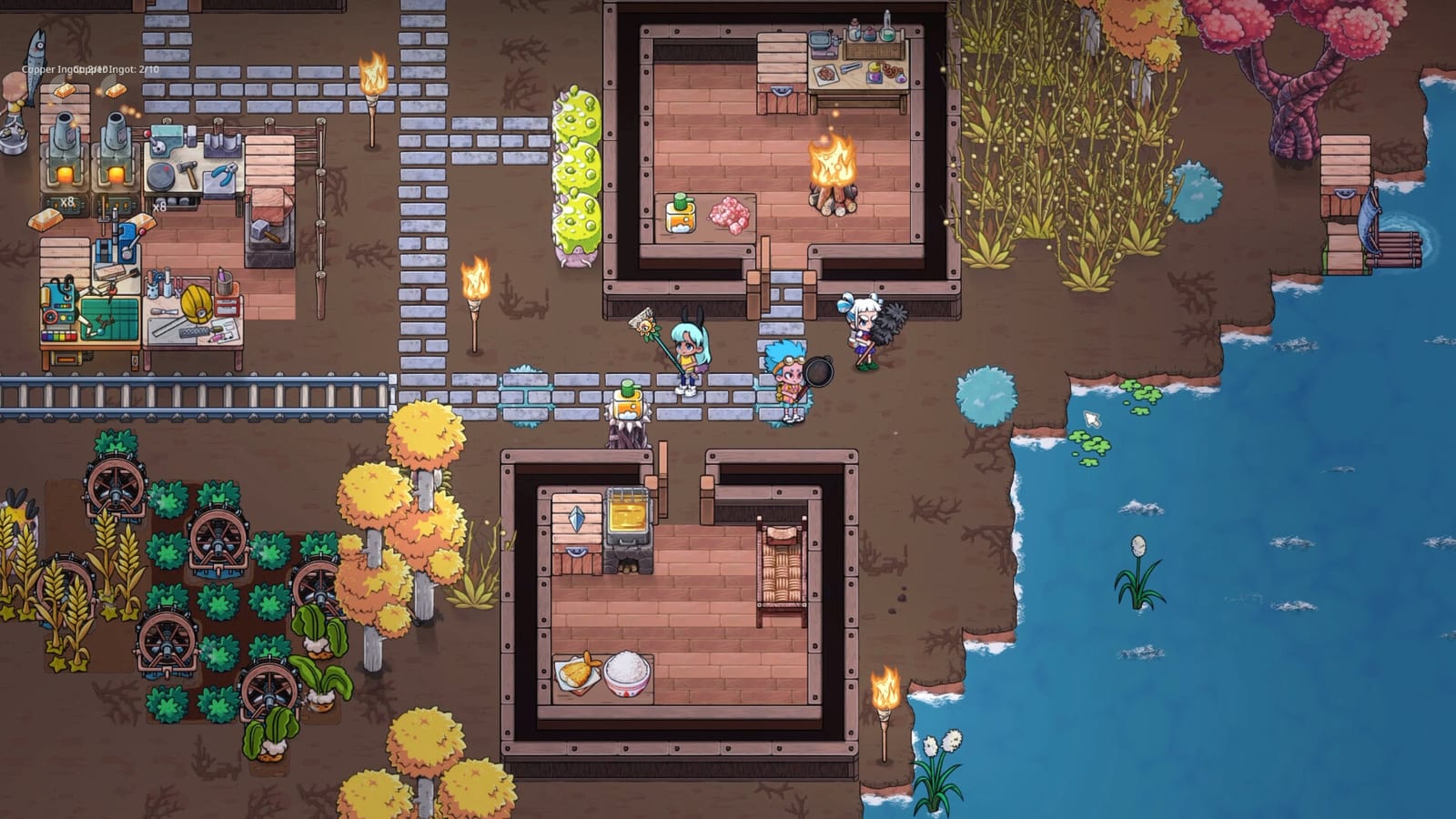
How to host a Wonderia session
- Launch the same patch as your friends.
- Load or create the world that will act as the shared planet.
- Open the multiplayer / invite flow from the in-game menu (labels may shift slightly between patches).
- Set privacy expectations: friends-only vs broader invites.
- Place a spawn orientation kit at base—food, bandages, signs (base guide).
- Share any house rules before the first copper argument.
Hosts carry world authority. Terraforming teleports or deleting storage mid-session without warning is how lobbies implode.
How to join
- Update the game.
- Accept the invite or enter the host’s session browser details as shown in your build.
- Confirm you received mirrored starter biscuits/bandages if you are a fresh joiner (2106 adjustment).
- Ask where the dump chest is before emptying your pockets on the forge.
- Follow the group to the current petal route on the map.
If join loops spin forever, bounce to tips or troubleshooting.
Donation skill points: 100% for non-hosts (2116)
Patch v0.5.8.2116 raised multiplayer donation skill-point rewards for non-hosts to 100%. Guests earn full shares on donation content instead of feeling like second-class settlers. Still:
- Announce before turn-ins so quest items are not auto-pulled from the wrong chest.
- Keep story objects outside workstation pull range (crafting, workstation storage).
- Call dibs on rare cores in chat.
Session roles that scale to eight
- Host / logistics: teleports, permissions, patch checks
- Crafter: adjacency and ingot budgeting (crafting)
- Farmer / cook: meals before hype (note: passive food drain removed in 2116—cook for fights, not idle panic)
- Scout: biome borders and morph paths
- Hauler: vehicles and ore runs (vehicles, mining)
- Flex fighters: temple clears with loaner gear
Progression etiquette
- Call dibs on boss weapons in chat.
- Keep quest items out of auto-pull chests.
- Store shared cars before logging out.
- Do not invite strangers to a permadeath-adjacent joke world without consent—Wonderia is chill, not a grief sandbox by default.
Performance and social comfort
Eight players plus farms plus vehicles can stress older GPUs. Launch notes added smarter default graphics by VRAM. Encourage low-VRAM friends to use the automatic Medium / windowed defaults rather than forcing Ultra—see performance.
Related pages
- Multiplayer troubleshooting
- Multiplayer tips & bugs
- Updates & hotfixes
- Roadmap
- Building for co-op
- Early game priorities
Host carefully, update religiously, and Wonderia’s planet becomes a weekly clubhouse instead of a troubleshooting seminar.
Pre-flight lobby script
Hosts can paste this before invites:
- Everyone on the same build string (must be v0.5.12.2201 or newer; minimum 2106 for create/join)
- Voice channel link
- Dump chests are the labeled ore, food, and quest set at plaza
- Do not store the shared car without calling it
- Tonight’s primary sink is written from the resource planner
- Temple attempt only after meals are cooked
- Donation turn-ins: non-hosts get 100% SP after 2116—still announce
- Be kind—Early Access means bugs; report them with version numbers
A two-minute script prevents a forty-minute autopsy. Wonderia co-op is at its best when the social contract is boring and visible. Pin the script in Discord if your group reconvenes weekly.
Frequently Asked Questions
Quick answers to the most common Wonderia questions.
How many players can play Wonderia together?
Wonderia supports online co-op for up to eight players total, including the host.
Why can’t we create or join a multiplayer game?
Update to v0.5.8.2106 or newer—the emergency hotfix addressed critical create/join failures—then restart Steam and retry. See the troubleshooting page if you remain stuck.
Do joiners get starter food?
After the 2106 hotfix, players joining a multiplayer world automatically receive the same boosted Compressed Biscuits and Bandages counts as the improved starting chest.
Do non-hosts get full donation skill points?
Yes. v0.5.8.2116 raised donation skill points for non-hosts to 100%. Verify in your installed build.
Is Wonderia cross-play with Roblox?
No. Wonderia is a Steam Early Access game. It is not a Roblox experience and has no Roblox redeem codes.
Where do we put shared loot?
Labeled base chests. Use floor drops only as temporary trades—see multiplayer tips.